Customer Onboarding on WhatsApp: The First Week, Step by Step
What Meta's rules allow, which sequence works, and where an AI agent has to stop.
Equipo xcale8 min read
What customer onboarding on WhatsApp actually is
Customer onboarding on WhatsApp is the short sequence that moves a new customer from "paid" to "used it successfully once", running in the thread they actually answer instead of an inbox they don't. It is not a welcome message, not a campaign, and not your activation email forwarded to another channel.
The distinction is technical rather than philosophical. Meta classifies every template you send outside an open conversation, and that classification decides two things: whether you need prior consent, and what each delivered message costs. Following up on something the customer did and offering them something new are two different categories at two different prices.
This applies to any business where first value takes more than one click: software that requires a connected account, an agency that needs credentials, a service that starts with a site visit. If your product only works after three steps, onboarding is where you lose the customer who already bought.
Onboarding isn't lost in the product. It's lost in the hours when the customer doesn't know what comes next and has nobody to ask.
Why email doesn't close the loop in LATAM
Because the cost of replying is different. A welcome email asks the customer to open an app they barely use, compose an answer and wait. The questions that block an activation are short — "can I do this from my phone?", "where does my data live?", "do I set this up or do you?" — and in a chat thread they take one line.
The evidence that exists is about the channel, not about activation: in Kantar's study for Meta (n=11,056, 22 markets, Apr–Sep 2025), 72.4% of people say they are more likely to buy from a brand they can message and 74.6% say they trust the channel. What does not exist is a credible software-activation benchmark for LATAM segmented by company size — if a vendor quotes you an "industry average" activation rate, they are quoting their own blog. The number worth measuring against is your own from last month.
There is an operational reason too. In Colombia and Mexico the team that serves the customer already lives in WhatsApp for everything else — collections, support, coordination — so moving onboarding there doesn't add a tool. It removes one.
The Meta rules that shape the sequence
Three rules decide the shape of the entire sequence before you write the first message.
The 24-hour window, and the date that changes it. When a customer messages you, a 24-hour customer service window opens and you can reply without templates. Until 30 September 2026 those replies carry no per-message charge, and neither do utility templates sent inside the window. From 1 October 2026 both are billed: Meta starts charging per delivered message for free-form replies — service messages, in its own documentation — and for utility templates sent in response inside the window. Outside the window nothing changes: only approved templates go out, billed per delivered message since 1 July 2025 at rates that vary by country and category. What gets charged, from when and at which rate is in WhatsApp service message pricing.
The categories, and who decides them. Meta defines utility templates as those that follow up on a user action or request, and marketing templates as those that generate awareness, drive sales or win customers back. Its own guidelines name what turns a template into marketing: upsell, cross-sell or product recommendations; promotional offers and incentives; renewal pushes; mixed content — an update with a promotion attached — and vague content built on generic placeholders. Since 9 April 2025 the call is no longer yours: submit a template as utility and, if WhatsApp determines it is marketing, it is approved as marketing. The allow_category_change property that used to make this optional is now the default behaviour.
In practice: "have you tried feature X yet? The higher plan includes it" is a marketing template no matter what you file it under. It needs opt-in and it bills as marketing.
The entry point. A conversation that starts from a click-to-WhatsApp ad opens a 72-hour window in which everything you send is free. That part does not change on 1 October: Meta keeps message delivery free inside the 72-hour window. If you buy traffic, that is where the cheap onboarding lives.
One design rule follows from all three: every message in the sequence is triggered by something the customer did, and none of them sell. The rest is copywriting. Full context on access, verification and sending limits is in the WhatsApp Business API guide.
How to set up WhatsApp customer onboarding before day 0
The rules above decide what you may write. These four pieces decide whether you can write it at all, and two of them carry an external lead time — build them on the day you need them and your first customer arrives with no sequence.
A number on the WhatsApp Business Platform, not the free app. WhatsApp customer onboarding fires from an event in your own system — payment confirmed — and that requires programmatic sending. The Cloud API, in Meta's words, "enables you to programmatically message and call on WhatsApp"; the free WhatsApp Business app has nowhere to receive that trigger, so somebody has to remember to type.
Opt-in, captured where the purchase happens. WhatsApp's policy is explicit: you may contact someone only if "they have given you their mobile phone number" and "you have received opt-in permission from the recipient", and that permission has to cover "the different categories of messages that you will send". Meta doesn't prescribe the mechanism — "you are solely responsible for determining the method of opt-in" — so a checkout checkbox or a contract clause works, provided you store three things: the date, the exact wording the customer saw, and where it came from. That record is your answer the day a template is challenged.
Templates written and approved before you need them. Meta requires a template to reach the status APPROVED before it can be sent, and warns that "review can take up to 24 hours". The day-3 template submitted for review on day 3 does not exist. Send the whole set — day 0, day 3, day 7 — the week before launch, each filed in its own category.
The trigger: which system says "they paid". The store, the payment gateway or a CRM stage. Without that event wired up you don't have automated onboarding; you have a to-do list. That is what the integrations are for — onboarding starts in the system where the sale happened, not in the thread.
The first seven days, message by message
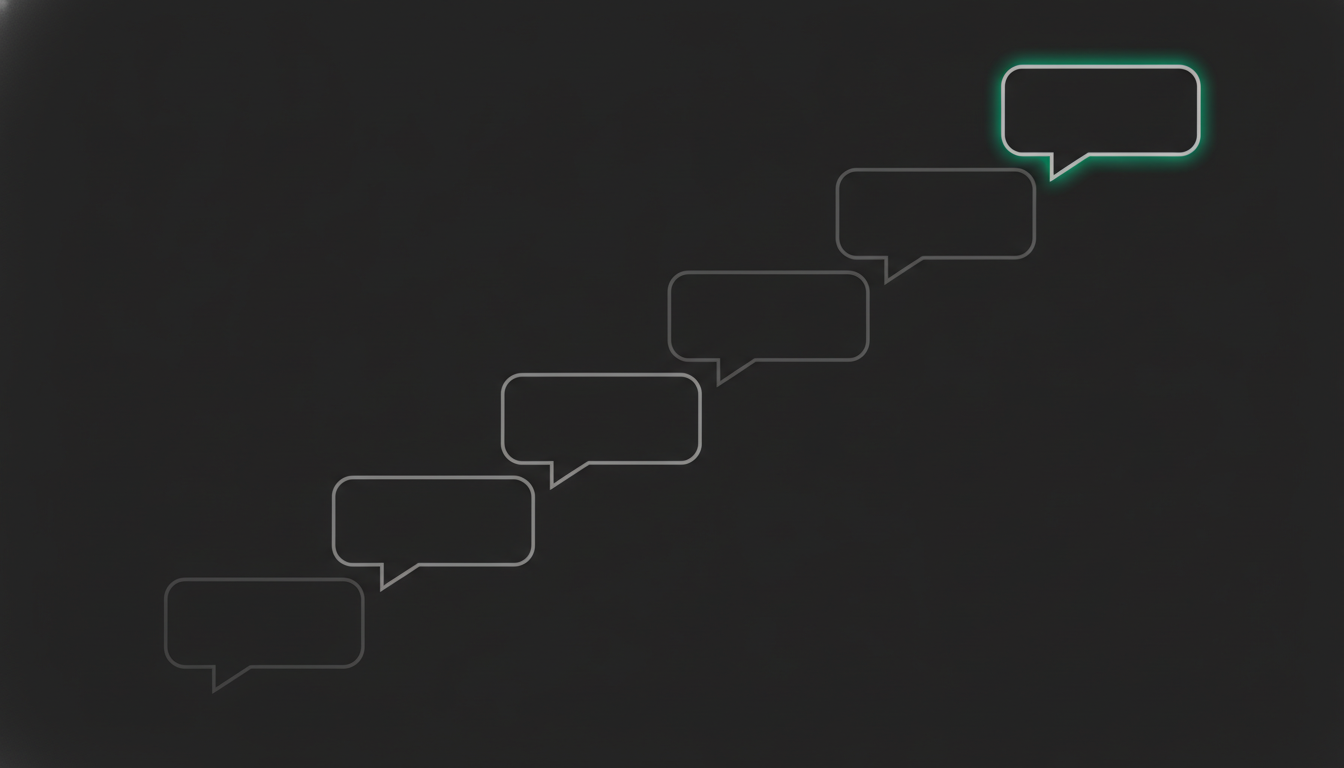
Four moments, not ten. Each with a trigger and a single job.
Day 0 — open the window, don't give the tour. The best first message doesn't explain the product; it asks for the one piece of information you still need (the phone number, the store URL, the opening hours). When the customer replies, the 24-hour window opens and the real work of onboarding happens inside it. Until 30 September 2026 that conversation costs nothing; from 1 October every reply you send there is billed, so what changes is not where onboarding happens but how many messages are worth sending.
Day 1 — one step, the one that produces value. Not the full product tour: the step that makes the product useful. In scheduling software that is connecting the calendar; in billing software it is issuing the first invoice. One step per message, exact instructions, nothing that forces the customer to a laptop.
Day 3 — unblock, don't remind. If the step is half-done, the useful question is not "did you do it?" but "what stopped you?". That answer is the most valuable thing your onboarding produces, and it is exactly what never arrives by email. It is also a legitimate utility template: it follows up on a specific action the customer took.
Day 7 — the review, with a name on it. Confirm the result and book the call if one is needed. Here the thread stops being onboarding and becomes an account: someone on your team owns it, with the context already written down.
What not to do fits on one line: five identical reminders. Two follow-ups carrying new information are fine; a chain of "still there?" messages costs you quality rating, and quality rating is what sets your sending limit.
What an AI agent can run, and where it has to stop
An agent connected to your knowledge base answers setup questions from your documentation rather than from what sounds plausible, books the call on the calendar, records the contact and its lifecycle stage in the CRM without anyone typing it, and hands the conversation to a person — with the full history — when it should. All of that happens inside the 24-hour window the customer opened: until 30 September 2026, the place where onboarding costs nothing; from 1 October, the place where every reply is billed on its own. The arithmetic changes, not the design — and from that date, resolving in three messages what a flow resolves in eight also costs less.
Three things it must not do, and they are worth writing as escalation rules before you turn anything on: price or contract exceptions, any statement about data handling or deletion your company has not published, and any commitment to a date. An agent improvising on those three creates a problem onboarding cannot fix.
What makes this work past day one is memory. If on day 3 the agent asks again for what the customer configured on day 1, you don't have onboarding — you have a long form. That difference, between a transcript and persistent memory, is what separates an agent from a chatbot.
At xcale this is a role rather than a flow: the Onboarding Agent welcomes the customer, guides the setup, captures the key information and books the first step, running on the same platform capabilities — knowledge base, calendar, CRM and escalation — as every other role.
What to measure, and what not to invent
Four numbers are enough:
- 7-day activation: the share of new customers who completed the step that produces value.
- Time to first value: hours between payment and that step.
- Questions resolved without a human: how much of the onboarding closed inside the thread.
- Escalation rate: how many conversations needed someone from the team, and why.
None of the four has a reliable external benchmark for LATAM SMBs, and that is fine: the number that matters is your own from last month. If you sell over the same channel, the other half of the cycle — pricing the deal before it closes — is in how to send quotes on WhatsApp.
Onboarding on WhatsApp is not a new channel for the same email. It is accepting that the customer is already in the thread, that Meta has rules about what you may write there, and that the first week is won by answering fast the three questions holding them up — not by explaining the whole product on day one.
Frequently asked questions
Which template category should onboarding messages use?
Utility, as long as the message follows up on something the customer did: a purchase, a half-finished setup, a request. If it recommends a higher plan, offers an incentive or mixes the update with a promotion, Meta treats it as marketing. Since 9 April 2025 the decision is not the business's to make: submit a template as utility and, if WhatsApp determines it is marketing, it is approved as marketing.
What does customer onboarding on WhatsApp cost?
It depends on the date. Until 30 September 2026, inside the 24-hour window the customer opens by messaging you, free-form replies and utility templates carry no per-message charge. From 1 October 2026 Meta starts billing both per delivered message: free-form replies become service messages, charged at the same rate as utility and authentication templates for the recipient's country, with no volume tiers. Outside the window nothing changes: only approved templates go out, billed per message since 1 July 2025. Click-to-WhatsApp ads still open a free 72-hour window.
Do I need the customer's consent to message them on WhatsApp?
Yes. To start a conversation through the WhatsApp Business API you need the customer's opt-in and they have to know which brand will be messaging them. Replying inside the window the customer opened by writing to you does not require that extra step, which is why the first onboarding message should be designed to earn a reply.
Can an AI agent run onboarding on its own?
It can run most of it: answering setup questions from the business's own documentation, booking the call, recording the contact in the CRM and asking for the missing piece of information. What it should not handle alone are price or contract exceptions, any claim about data handling the company has not published, and any commitment to a date. Those are defined as escalation rules before the agent goes live.
How many days should activation be measured over?
Seven days is a practical cut-off when initial setup takes minutes, and thirty when it requires an integration or a site visit. What matters is fixing the cut-off before you measure and not moving it afterwards. There is no reliable external activation benchmark for LATAM SMBs, so the valid comparison is against your own previous month.
How long does it take to set up WhatsApp customer onboarding?
Two pieces carry an external lead time: the number on the WhatsApp Business Platform, which goes through Meta's own verification flow and isn't on your clock, and the templates, which can only be sent once approved and whose review, in Meta's words, can take up to 24 hours. Opt-in capture and the payment trigger are changes to your own checkout and your own systems. In practice the template set goes in for review the week before your first customer, not the day you need it.